
By the end of this chapter, you will be able to: - confidently apply binary code concepts when designing digital systems - accurately convert decimal numbers to binary coded decimal (BCD) as required for circuit designs - correctly represent binary numbers in gray code according to circuit design specifications
Mastering these skills will help you build reliable and efficient digital circuits, a key ability in the electronics industry.
Digital electronics is fundamental to modern electronics engineering, especially in Kenya's growing technology sector where efficient data representation and processing are crucial. Understanding various binary codes allows engineers to design reliable digital systems that interface effectively with human operators and other systems. Binary Coded Decimal (BCD) is a key coding scheme that bridges the gap between binary machines and decimal human interfaces, widely used in digital displays and calculators. Mastery of BCD coding enhances an engineer's capability to implement accurate numerical processing in embedded systems and instrumentation.
BCD encoding is a method that represents each decimal digit (0-9) with its corresponding 4-bit binary equivalent. This coding scheme simplifies the conversion and display of numbers in digital systems, especially where human readability is essential. Kenyan electronics engineers frequently encounter BCD in applications such as digital meters, banking ATMs, and control panels in manufacturing plants, where decimal data must be processed and displayed seamlessly.
BCD stands for Binary Coded Decimal, a form of decimal representation using binary digits. Each decimal digit is encoded separately into a group of four binary bits, allowing easy translation between human-friendly decimal numbers and machine-friendly binary data.
BCD coding offers distinct benefits for digital electronics engineering but also involves certain trade-offs. Engineers must evaluate these factors when designing systems that require decimal data processing.
BCD is integral to many practical applications in Kenyan electronics engineering, particularly where digital systems must present numerical data in a form readily understood by users.
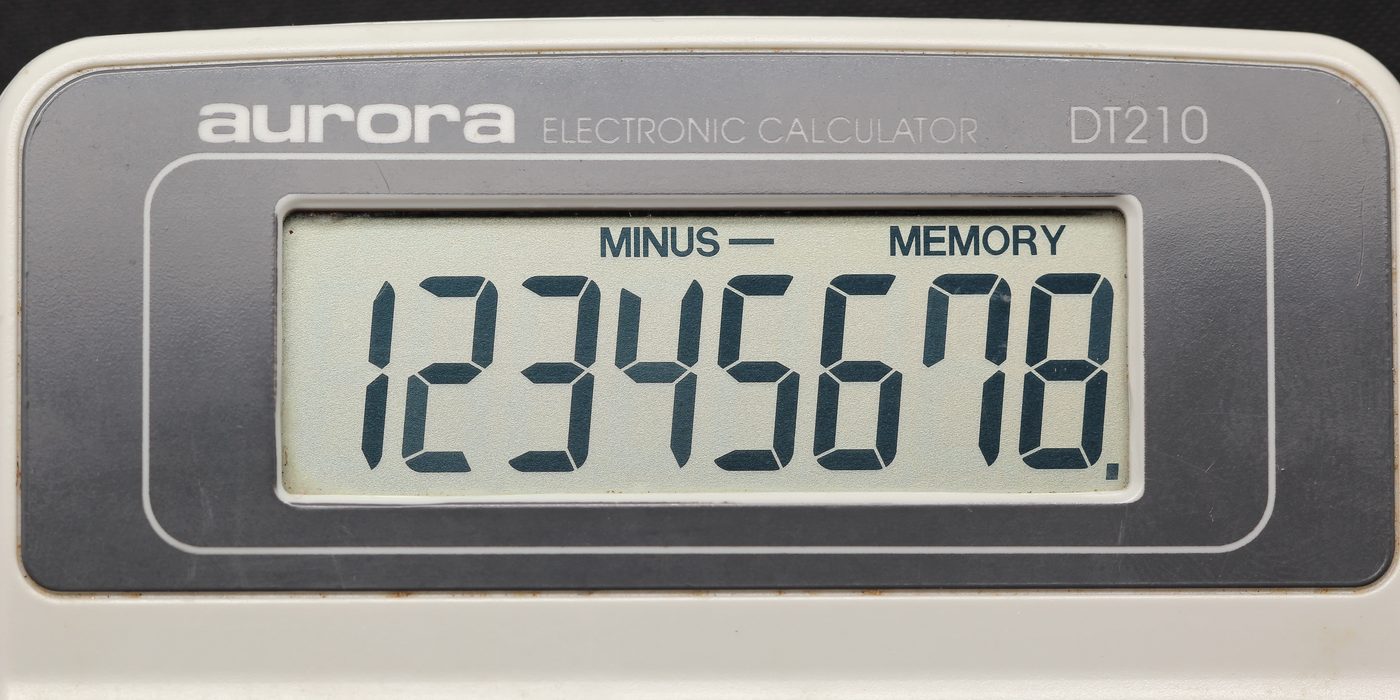
Aurora electronic calculator display (Source: Wikimedia Commons)
Efficient conversion between BCD and binary or decimal is essential for integrating BCD-coded data into broader digital systems. Kenyan electronics engineers must master these conversions for system interoperability.
Explain how a decimal number 273 is represented in BCD. Show the binary equivalent of each digit. (5 marks)
List and explain five advantages of using BCD in electronic display systems. (10 marks)
Describe the process of converting a BCD number to its binary equivalent. Include an example with the BCD number 0100 0011. (10 marks)
Discuss two limitations of BCD coding and their impact on digital system design. (5 marks)
Identify three practical applications of BCD in Kenyan electronics engineering and explain their importance. (10 marks)
Create a free account to open more of this chapter.
Free: practical guides, quick cards, workplace scenarios and more.
Create a free accountThis chapter explored the application of different binary codes essential in digital electronics. It began with Binary Coded Decimal (BCD), a system that represents each decimal digit with its four-bit binary equivalent, facilitating easier human-to-machine data translation. The discussion then moved to Gray Code, highlighting its unique property where only one bit changes between successive values, which minimizes errors in digital systems such as rotary encoders. Finally, the chapter covered Excess-3 Code, a self-complementary code used for error detection and simplifying arithmetic operations by adding three to each decimal digit before converting to binary. Each coding scheme was examined in terms of its structure, purpose, and practical advantages in digital circuits. The chapter emphasized the importance of understanding these codes for designing efficient and reliable digital systems.
Type: Individual
| Tools & Equipment | Materials |
|---|---|
| Multimeter | 7400 NAND gate IC |
| Logic probe | 7402 NOR gate IC |
| Connecting wires | 7408 AND gate IC |
| Breadboard | 7432 OR gate IC |
| 9V Battery with clip | |
| Personal Protective Equipment (Dust coat/Overall) |
| S/N | Item | Quantity |
|---|---|---|
| 1 | 7400 NAND gate IC | 1 Pc per Candidate |
| 2 | 7402 NOR gate IC | 1 Pc per Candidate |
| 3 | 7408 AND gate IC | 1 Pc per Candidate |
| 4 | 7432 OR gate IC | 1 Pc per Candidate |
| 5 | Breadboard | 1 Pc per Candidate |
| 6 | Connecting wires assorted | Assorted per Candidate |
| 7 | 9V Battery with clip | 1 Pc per Candidate |
| 8 | Decimal to BCD conversion truth table printout | 1 Sheet per Candidate |
| 9 | Multimeter | 1 Pc per Candidate |
| 10 | Logic probe | 1 Pc per 5 Candidates |
| 11 | Personal Protective Equipment (Dust coat/Overall) | 1 Set per Candidate |
| Items to be Evaluated | Marks Available | Marks Obtained | Comments |
|---|---|---|---|
| TASK 1: Circuit Design and Assembly | |||
| Wore Personal Protective Equipment (Dust coat/Overall) (Award 1 or 0) | 1 | ||
| Applied good housekeeping practice (clean work area before starting) (Award 1 or 0) | 1 | ||
| Identified and selected correct ICs and components (Award 2 or 0) | 2 | ||
| Used correct tools for wiring and assembling the circuit (Award 2 or 0) | 2 | ||
| Drew or followed the schematic diagram correctly (Award up to 3 marks for accuracy) | 3 | ||
| Mounted ICs and components neatly and firmly on the breadboard (Award 2 or 0) | 2 | ||
| Wired the circuit correctly with no loose connections (Award up to 3 marks for correct wiring) | 3 | ||
| Checked and observed correct colour coding of wires (Award 1 or 0) | 1 | ||
| Terminated battery connections safely and correctly (Award 1 or 0) | 1 | ||
| Performed preliminary continuity and connection tests (Award 2 or 0) | 2 | ||
| Tested circuit outputs with logic probe/multimeter for correct BCD output for decimal inputs 0 to 9 (Award up to 5 marks for correct output verification) | 5 | ||
| Sub-Total | 23 | ||
| PRODUCT CHECKLIST | |||
| Finished circuit matches schematic with neat layout and correct component placement (Award 5 or 0) | 5 | ||
| Circuit correctly converts decimal inputs 0-9 to corresponding 4-bit BCD outputs (Award up to 7 marks for functional correctness) | 7 | ||
| Circuit size approximately 150mm x 100mm and compact wiring (Award 3 or 0) | 3 | ||
| Sub-Total | 15 | ||
| GRAND TOTAL | 38 | ||
Type: Individual
| Tools & Equipment | Materials |
|---|---|
| Multimeter | BCD to 7-segment decoder IC (74LS47) |
| Pliers | Common Anode 7-segment display |
| Side cutter | Breadboard |
| Connecting wires | |
| 220 Ohm resistor | |
| Switches (SPST) | |
| 12V DC power adapter | |
| Personal Protective Equipment |
| S/N | Item | Quantity |
|---|---|---|
| 1 | BCD to 7-segment decoder IC (e.g. 74LS47) | 1 Pc per Candidate |
| 2 | Common Anode 7-segment display | 1 Pc per Candidate |
| 3 | Breadboard | 1 Pc per Candidate |
| 4 | Connecting wires (assorted colors) | Assorted per Candidate |
| 5 | 220 Ohm resistor | 7 Pcs per Candidate |
| 6 | Switches (SPST) for BCD inputs | 4 Pcs per Candidate |
| 7 | 12V DC power adapter | 1 Pc per Candidate |
| 8 | Multimeter | 1 Pc per Candidate |
| 9 | Pliers | 1 Pair per Candidate |
| 10 | Side cutter | 1 Pair per Candidate |
| 11 | Personal Protective Equipment (Dustcoat/Overall, Safety Boots) | Enough per Candidate |
| Items to be Evaluated | Marks Available | Marks Obtained | Comments |
|---|---|---|---|
| TASK 1: Circuit Construction and Testing | |||
| Wore Personal Protective Equipment (Dustcoat/Overall, Safety Boots) (Award 1 or 0) | 1 | ||
| Applied good housekeeping practice and ensured clean working area before starting (Award 1 or 0) | 1 | ||
| Identified and prepared all components and tools correctly (Award 2 or 0) | 2 | ||
| Connected the BCD input switches correctly observing proper color coding (Award 2 or 0) | 2 | ||
| Wired the 74LS47 IC correctly on the breadboard with 220Ω resistors to 7-segment display (Award 4 or 0) | 4 | ||
| Used the correct power supply voltage and connected safely (Award 2 or 0) | 2 | ||
| Performed continuity test on all connections using multimeter (Award 2 or 0) | 2 | ||
| Tested the circuit by applying BCD inputs and observed outputs on the 7-segment display (Award 3 or 0) | 3 | ||
| Demonstrated correct display of digits 0 to 9 on the 7-segment display (Award 5 or 0) | 5 | ||
| Sub-Total | 22 | ||
| PRODUCT CHECKLIST | |||
| Circuit layout is neat, components are firmly fixed on the breadboard, wiring is tidy and color-coded (Award 3 or 0) | 3 | ||
| Correct wiring of BCD inputs and 7-segment display as per provided schematic (Award 4 or 0) | 4 | ||
| 7-segment display shows accurate decimal digits 0 to 9 when corresponding BCD inputs are applied (Award 6 or 0) | 6 | ||
| Circuit operates reliably without intermittent faults during testing (Award 3 or 0) | 3 | ||
| Sub-Total | 16 | ||
| GRAND TOTAL | 38 | ||
At the start of this chapter we promised you would be able to:
Tick each one you can genuinely do.
So, are you there yet?
You're competent when you can confidently do 50% or more of what this chapter promised.
Sign in to record how you're doing.