
By the end of this chapter, you will be able to:
Mastering these skills will help you work efficiently and professionally in any modern trade environment.
Digital electronics engineering in Kenya increasingly relies on efficient data representation and processing techniques. Understanding binary codes is fundamental to designing, troubleshooting, and optimizing digital systems such as microcontrollers, digital displays, and communication interfaces used in local manufacturing plants, hospitals, and telecommunications firms. Among various binary coding schemes, Binary Coded Decimal (BCD) plays a crucial role in applications requiring precise decimal digit representation and conversion. This chapter explores BCD in detail, equipping electronics engineering students with knowledge critical for practical implementation in Kenyan industries.
BCD is a binary-encoded representation of decimal numbers where each decimal digit is represented by its own binary sequence. This coding method is widely used in digital systems that interface with human-readable numerical data, such as digital meters, calculators, and financial computing devices. In Kenya’s electronics industry, BCD facilitates accurate decimal data processing in devices deployed in banking systems, point-of-sale terminals, and medical instrumentation.
The concept of BCD involves encoding each decimal digit (0 to 9) into a fixed-length binary sequence, typically four bits. This allows digital systems to handle decimal numbers while maintaining compatibility with binary hardware.
Example: The decimal number 259 is represented in BCD as 0010 0101 1001, where each 4-bit group encodes 2, 5, and 9 respectively.
Various forms of BCD exist to suit different application requirements, including weighted and non-weighted codes. These variants differ in how they assign binary weights to digits and in error detection capabilities.
The choice of BCD type depends on factors such as error tolerance, ease of arithmetic operations, and hardware simplicity, which are critical in Kenya’s embedded system designs for industrial automation.
Converting decimal numbers to BCD and vice versa is a fundamental skill in digital electronics, facilitating the interface between human-readable decimal data and binary digital systems.
Example: To convert decimal 47 to BCD:
Example: BCD 0001 1001 corresponds to decimal digits 1 and 9, forming the decimal number 19.
BCD coding is widely used in digital systems where precise decimal digit representation is essential. However, engineers must be aware of its limitations and appropriate application contexts.
Digital Displays: Seven-segment LED displays in devices like digital clocks and meters rely on BCD for direct digit control.
Financial Calculations: Banking systems and ATMs use BCD to avoid rounding errors inherent in floating-point binary arithmetic.
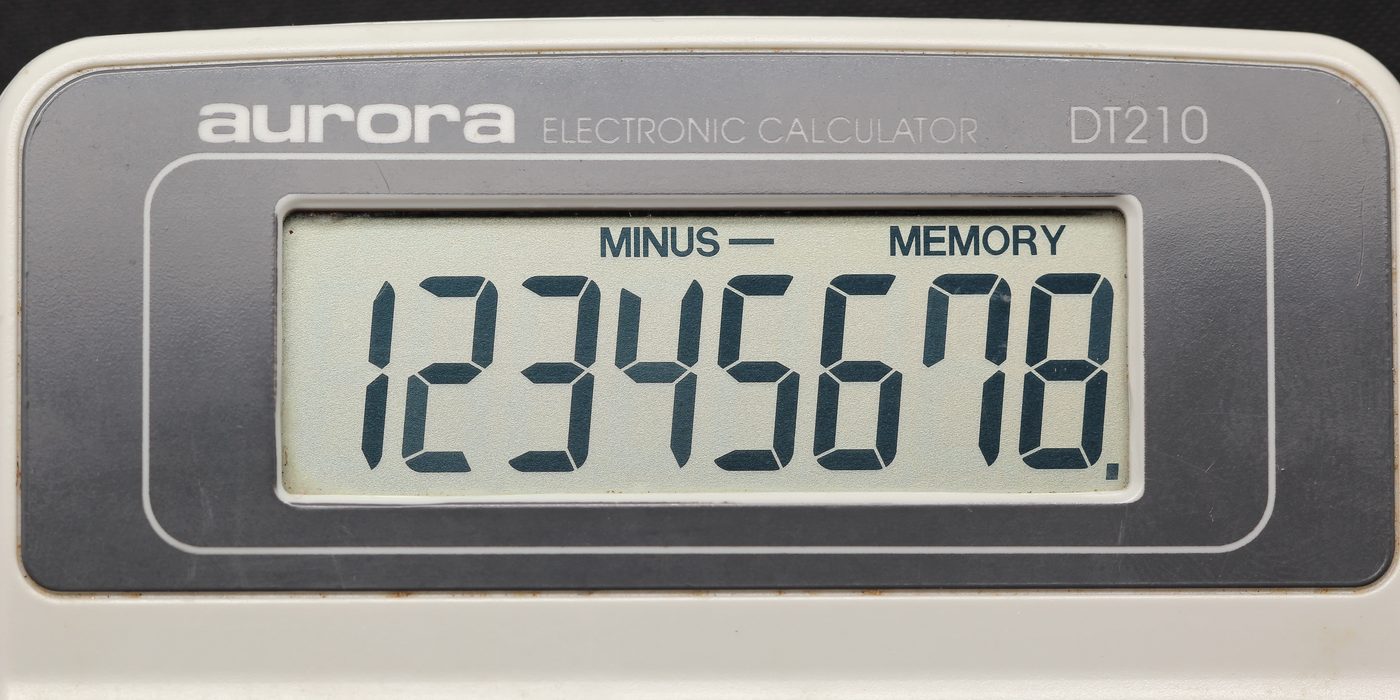
Aurora electronic calculator display (Source: Wikimedia Commons)
In Kenyan electronics manufacturing, understanding these trade-offs helps engineers select appropriate coding schemes for devices ranging from handheld meters to automated teller machines.
Explain why BCD is preferred over pure binary representation in digital display systems. (5 marks)
Convert the decimal number 385 to its BCD equivalent and explain each step. (6 marks)
Describe the differences between 8421 BCD and Excess-3 codes, highlighting their respective advantages. (8 marks)
Identify five limitations of using BCD in digital systems and discuss their impact on system design. (10 marks)
A digital meter displays the BCD code 0101 1000 0011. Convert this code to its decimal equivalent. (4 marks)
Create a free account to open more of this chapter.
Free: practical guides, quick cards, workplace scenarios and more.
Create a free accountThis chapter explored the application of binary codes in digital electronics, beginning with Binary Coded Decimal (BCD), which represents decimal numbers using four-bit binary values for each digit, facilitating easier conversion and processing in digital systems. It then examined Gray Code, a binary numeral system where two successive values differ in only one bit, minimizing errors in digital communication and position encoding. The chapter concluded with Excess-3 Code, a non-weighted code obtained by adding three to each decimal digit before converting to binary, commonly used for error detection and simplifying decimal arithmetic operations. Understanding these codes is essential for designing and interpreting digital circuits in various technological fields. Each code offers unique advantages and is suited to specific applications depending on accuracy, error reduction, and ease of computation requirements. Mastery of these binary codes enhances a technician’s ability to optimize digital systems effectively.
Type: Individual
| Tools & Equipment | Materials |
|---|---|
| Breadboard | IC 74LS47 BCD to 7-segment Decoder (optional for verification) |
| Jumper wires | Decimal to BCD conversion chart |
| Digital Multimeter | Personal Protective Equipment (PPE) |
| Logic Probe or Logic Analyzer |
| S/N | Item | Quantity |
|---|---|---|
| 1 | Breadboard | 1 Pc per Candidate |
| 2 | Jumper wires | Enough per Candidate |
| 3 | Digital Multimeter | 1 Pc per Candidate |
| 4 | Logic Probe or Logic Analyzer | 1 Pc per 2 Candidates |
| 5 | IC 74LS47 BCD to 7-segment Decoder (optional for verification) | 1 Pc per Candidate |
| 6 | Personal Protective Equipment (PPE) | Appropriate per Candidate |
| 7 | Decimal to BCD conversion chart | 1 Pc per Candidate |
| Items to be Evaluated | Marks Available | Marks Obtained | Comments |
|---|---|---|---|
| TASK 1: Conversion and Verification | |||
| Wore Personal Protective Equipment including safety boots and dustcoat (Award 1 mark for PPE worn correctly, 0 if not) | 1 | ||
| Observed good housekeeping by ensuring clean and organized working area before starting (Award 1 mark for clean working area, 0 if cluttered) | 1 | ||
| Correctly converted decimal number 27 to 8-bit BCD format (0010 0111) (Award 3 marks for exact BCD code, 0 if incorrect) | 3 | ||
| Correctly converted decimal number 94 to 8-bit BCD format (1001 0100) (Award 3 marks for exact BCD code, 0 if incorrect) | 3 | ||
| Mounted the BCD codes on the breadboard using jumper wires correctly (Award 3 marks if wiring is correct and neat, 0 if faulty or messy) | 3 | ||
| Used logic probe to verify the BCD outputs match expected signals for both numbers (Award 4 marks for successful verification and correct interpretation, 0 if failed) | 4 | ||
| Provided manual calculation steps showing clear conversion from decimal to BCD (Award 3 marks for clear and accurate calculation steps, 0 if missing or incorrect) | 3 | ||
| Sub-Total | 18 | ||
| PRODUCT CHECKLIST | |||
| BCD outputs correctly represent decimal 27 and 94 as 8-bit BCD codes (0010 0111 and 1001 0100) (Award 7 marks for exact output verification, 0 if incorrect) | 7 | ||
| Breadboard wiring is neat, components properly fixed, and connections firm (Award 5 marks for neatness and firm connections, 0 if messy or loose) | 5 | ||
| Manual conversion calculations are accurate and clearly documented (Award 5 marks for accuracy and completeness, 0 if missing or incorrect) | 5 | ||
| Sub-Total | 17 | ||
| GRAND TOTAL | 35 | ||
Type: Individual
| Tools & Equipment | Materials |
|---|---|
| Digital Multimeter | BCD to Decimal Decoder IC (CD4511) |
| Logic Probe | 7-Segment Display (Common Cathode) |
| Electronic Toolkit | Breadboard |
| 12V DC Power Supply | Jumper wires |
| Resistors 220 Ω | |
| Personal Protective Equipment (Safety boots, Dustcoat) |
| S/N | Item | Quantity |
|---|---|---|
| 1 | BCD to Decimal Decoder IC (CD4511) | 1 Pc per Candidate |
| 2 | 7-Segment Display (Common Cathode) | 1 Pc per Candidate |
| 3 | Breadboard | 1 Pc per Candidate |
| 4 | Jumper wires | 10 Pcs per Candidate |
| 5 | Resistors 220 Ω | 7 Pcs per Candidate |
| 6 | Digital Multimeter | 1 Pc per Candidate |
| 7 | 12V DC Power Supply | 1 Pc per Candidate |
| 8 | Logic Probe | 1 Pc per Candidate |
| 9 | Electronic Toolkit (Screwdrivers, Pliers, Wire Stripper) | 1 Set per Candidate |
| 10 | Personal Protective Equipment (Safety boots, Dustcoat) | 1 Set per Candidate |
| Items to be Evaluated | Marks Available | Marks Obtained | Comments |
|---|---|---|---|
| TASK 1: Circuit Assembly and Testing | |||
| Wore Personal Protective Equipment (Safety boots and Dustcoat) (Award 1 mark or 0) | 1 | ||
| Observed good housekeeping by ensuring clean working area before starting (Award 1 mark or 0) | 1 | ||
| Identified and arranged components correctly on the breadboard (Award 1 mark for each correctly identified and arranged component: IC, display, resistors) | 3 | ||
| Connected the circuit correctly according to the schematic diagram (Award 1 mark for each correct connection: BCD inputs, outputs to display, power supply, common cathode) | 4 | ||
| Used correct resistor values for segment limiting (Award 2 marks or 0) | 2 | ||
| Performed continuity and polarity tests using the multimeter (Award 3 marks or 0) | 3 | ||
| Powered the circuit safely with 12V DC supply (Award 2 marks or 0) | 2 | ||
| Tested the circuit operation by applying BCD inputs and verifying correct decimal digit display (Award 5 marks or 0) | 5 | ||
| Sub-Total | 21 | ||
| PRODUCT CHECKLIST | |||
| Finished circuit displays decimal digits 0 to 9 correctly on the 7-segment display (Award 5 marks or 0) | 5 | ||
| Circuit connections are neat, secure and components are firmly fixed on the breadboard (Award 3 marks or 0) | 3 | ||
| Circuit matches the schematic diagram with correct wiring and component placement (Award 4 marks or 0) | 4 | ||
| Circuit dimensions and layout conform to the provided schematic and breadboard size (standard breadboard 170mm x 55mm) (Award 3 marks or 0) | 3 | ||
| Sub-Total | 15 | ||
| GRAND TOTAL | 36 | ||
At the start of this chapter we promised you would be able to:
Tick each one you can genuinely do.
So, are you there yet?
You're competent when you can confidently do 50% or more of what this chapter promised.
Sign in to record how you're doing.